
Use TON in a personal wallet or pair an offline device with a Watch Wallet for higher-value storage.
Back to home

Support modes
Supported assets
Best fit
TON
Toncoin Wallet
Secure Toncoin with a self-custodial wallet and a mobile-first Cold Wallet workflow.
Cold WalletWallet
TON
personal self-custody and higher-security storage
What you can do with it
Toncoin in Ownbit
Use TON in a personal wallet or pair an offline device with a Watch Wallet for higher-value storage.
Local-key self-custody
Keep wallet secrets on your own device with standard-compatible recovery options.
Cold wallet workflow
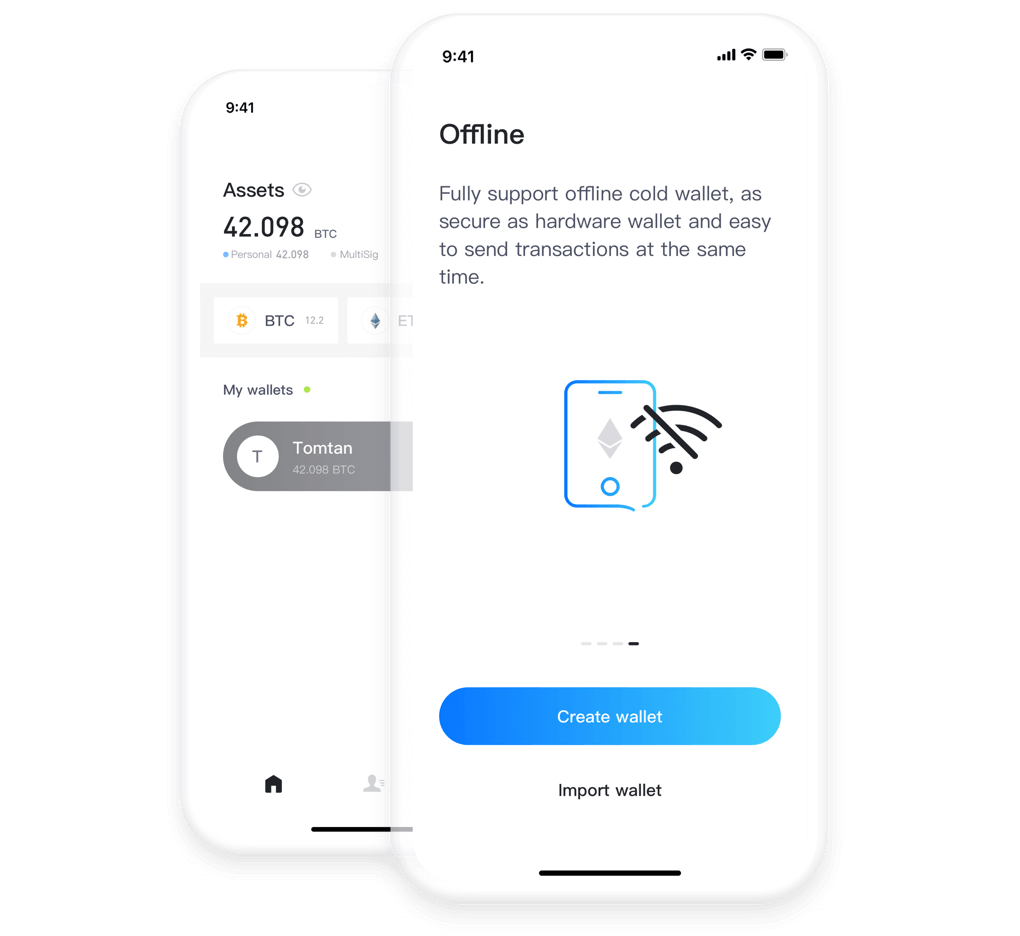
Use an offline device for higher-value storage while keeping visibility on a Watch Wallet.
Standards-compatible recovery
Recovery can usually be completed with the mnemonic or exported private key in a compatible wallet. Keep backups offline and test your recovery process before you need it.
Recovery and compatibility
Recovery and compatibility
Membership unlocks advanced modes, but control of assets stays with the keys. Ownbit is designed around standards-compatible recovery and self-service guides.
Standards-compatible recovery
Recovery can usually be completed with the mnemonic or exported private key in a compatible wallet. Keep backups offline and test your recovery process before you need it.
Download
Ready to manage Toncoin in Ownbit?
Download the app on iOS, Google Play, or via direct APK.